Create a profile
Save custom resolution and DPI settings for different apps.
 Android display utility
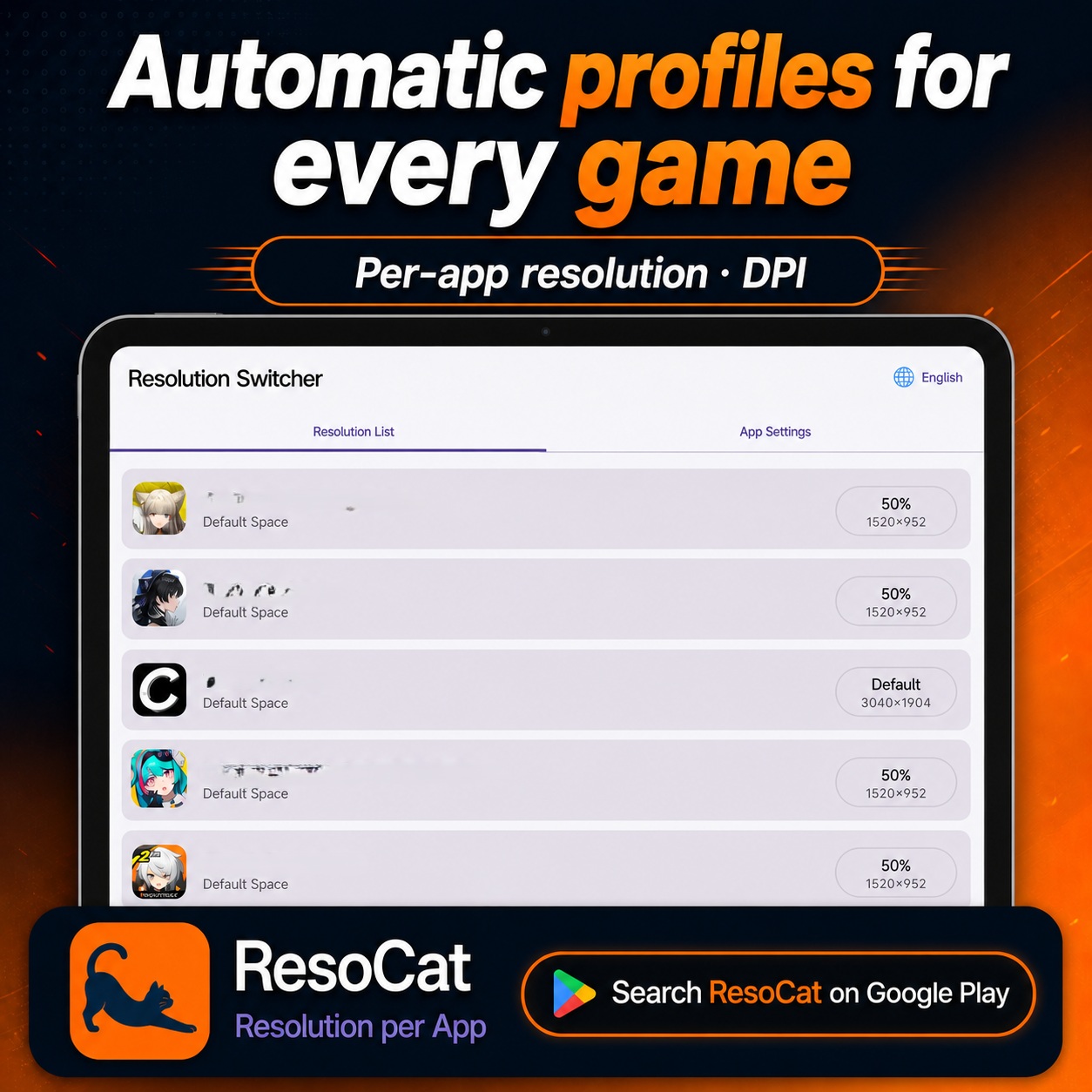
Set resolution and DPI profiles for different Android apps. Apply them automatically when an app opens, then return to your saved default settings when it closes.
Shizuku or ADB access is required. Test new profiles carefully; device compatibility and results can vary.
ResoCat
Build and test the profiles that suit your device, then let ResoCat handle the switching.
Save custom resolution and DPI settings for different apps.
Apply the assigned profile when a configured app opens and restore your saved default when it closes.
Access recovery from the app, notifications and widgets, with emergency reset options.
ResoCat
See per-app profiles and display controls in action.
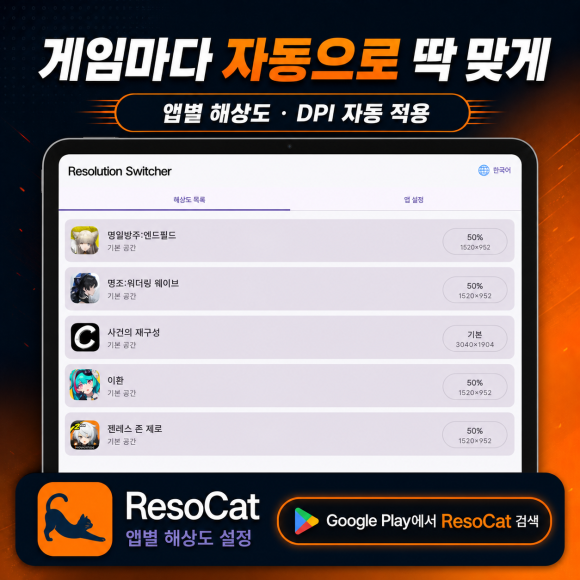
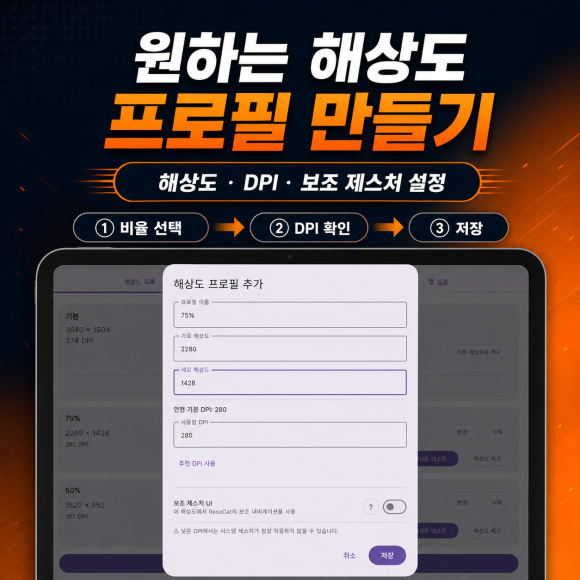
Interface examples from my ResoCat posts. Language and appearance may differ by app version and device; the values shown are examples, not recommended defaults.
Try all features for 14 days. Ads may appear during the free period. Premium is a one-time purchase for permanent use and ad removal, not a subscription. Prices vary by region.
Get it on Google PlayDisplay changes can affect system UI, navigation and app layouts. Avoid extreme values. ResoCat does not guarantee better FPS, lower temperatures or longer battery life.
Read the guide →