Fullscreen detection
Detects when regular videos enter and exit fullscreen.
 Display tools
RoteCat detects fullscreen playback of regular YouTube videos on tablets and switches to the landscape direction that matches the physical device orientation. It restores the previous rotation setting when fullscreen ends and excludes Shorts.
Requires Accessibility and permission to modify system settings. Runs only when you enable it; Shorts are excluded.
RoteCat
Detects when regular videos enter and exit fullscreen.
Checks the physical orientation and selects the appropriate landscape direction.
Returns to the previous rotation setting when fullscreen ends.
Toggle the feature from the home screen, with a three-second cooldown to reduce accidental operation.
RoteCat
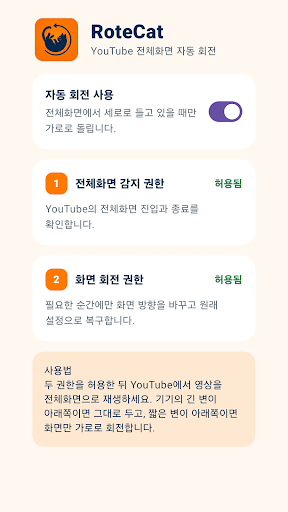
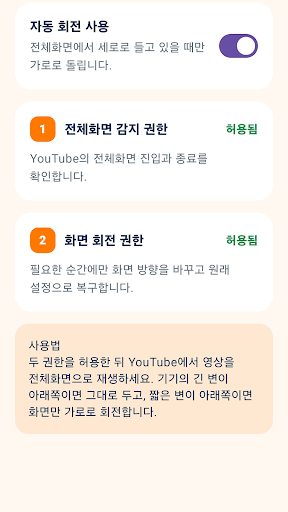
Official screenshots used in the Google Play listing. Appearance may vary by device and version.
Some screens may show ads. An in-app donation can remove ads.
Screen information used to detect fullscreen and Shorts is processed immediately on-device and is not stored or sent to the developer server. Typed text, passwords, messages, video content and browsing history are not collected.
Read the guide →